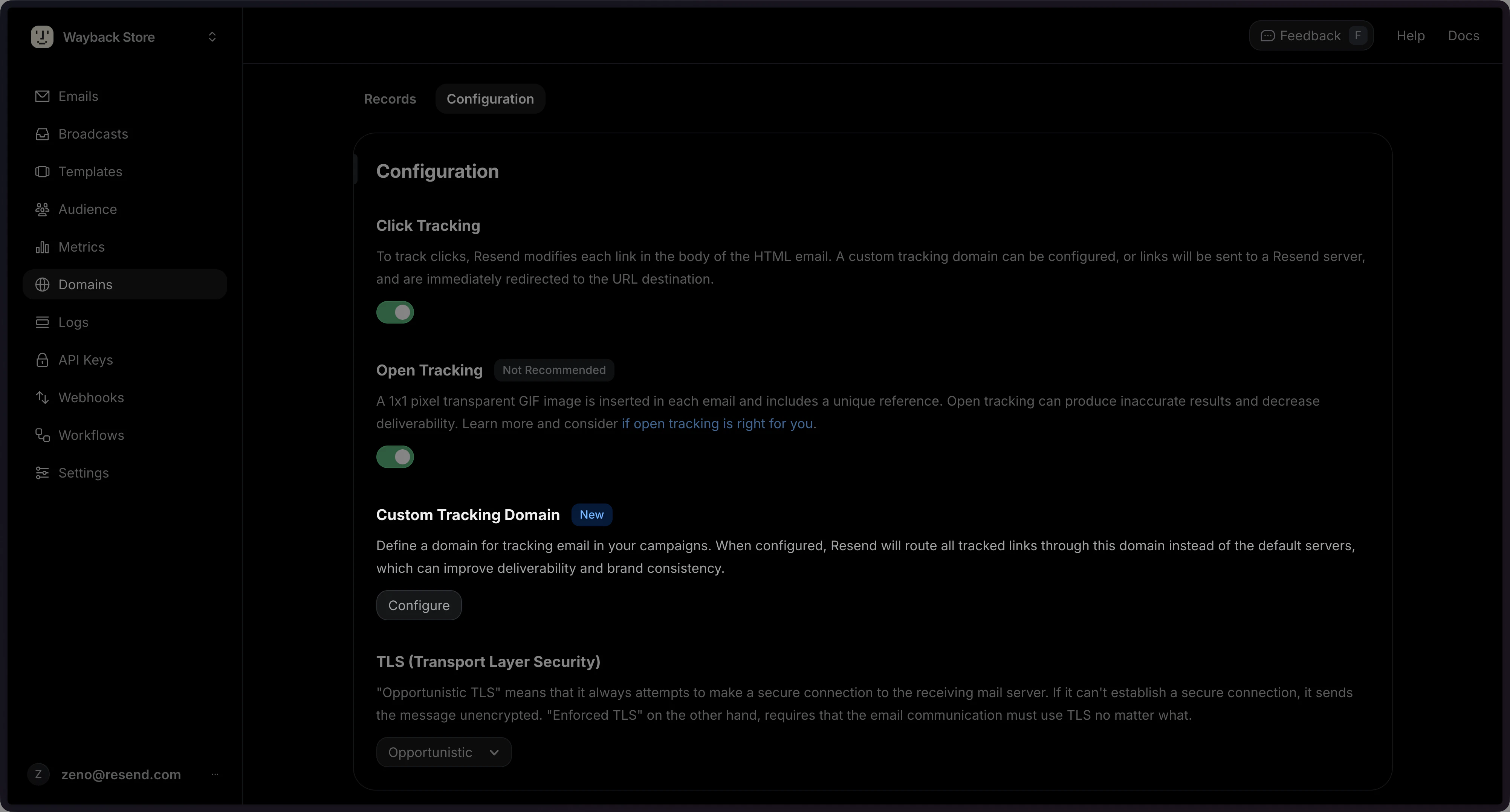
While participating in the custom tracking domains beta, open and click
tracking is only active when all three conditions are met:
- The
open_trackingorclick_trackingsetting is enabled for the domain. - A custom tracking domain is configured.
- The tracking domain CNAME record has been verified.
- Using the dashboard
- Using the API
Go to the Domains page and click on the domain you want to configure.In the Configuration tab, you can enable open and/or click tracking.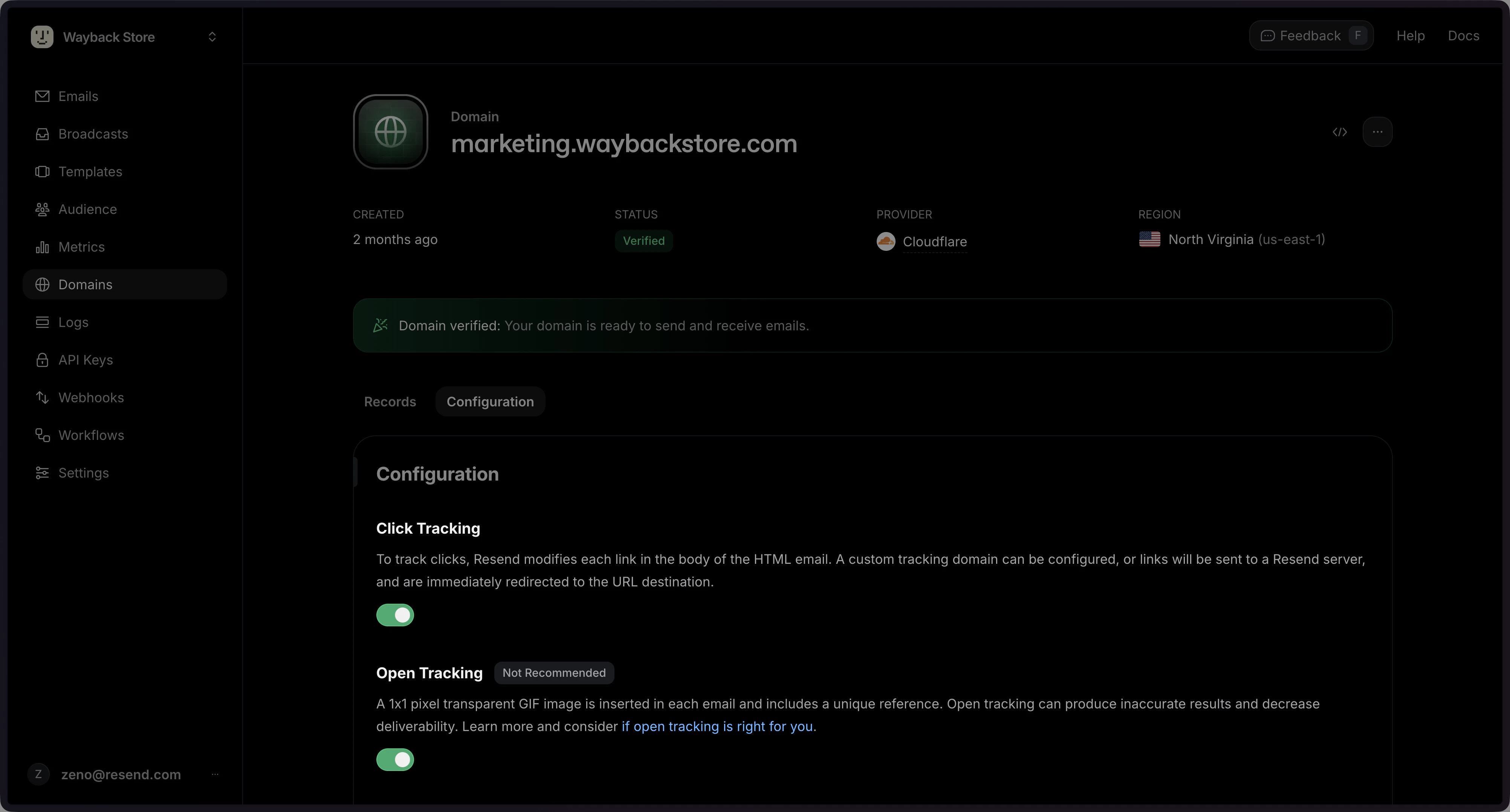
For best deliverability, we recommend disabling click and open tracking for
sensitive transactional
emails.
How Open Tracking Works
A 1x1 pixel transparent GIF image is inserted in each email and includes a unique reference to this image file. When the image is downloaded, Resend can tell exactly which message was opened and by whom.How Click Tracking Works
To track clicks, Resend modifies each link in the body of the HTML email. When recipients open a link, they are sent through a Resend server, and then immediately to the URL destination.Custom Tracking Domain
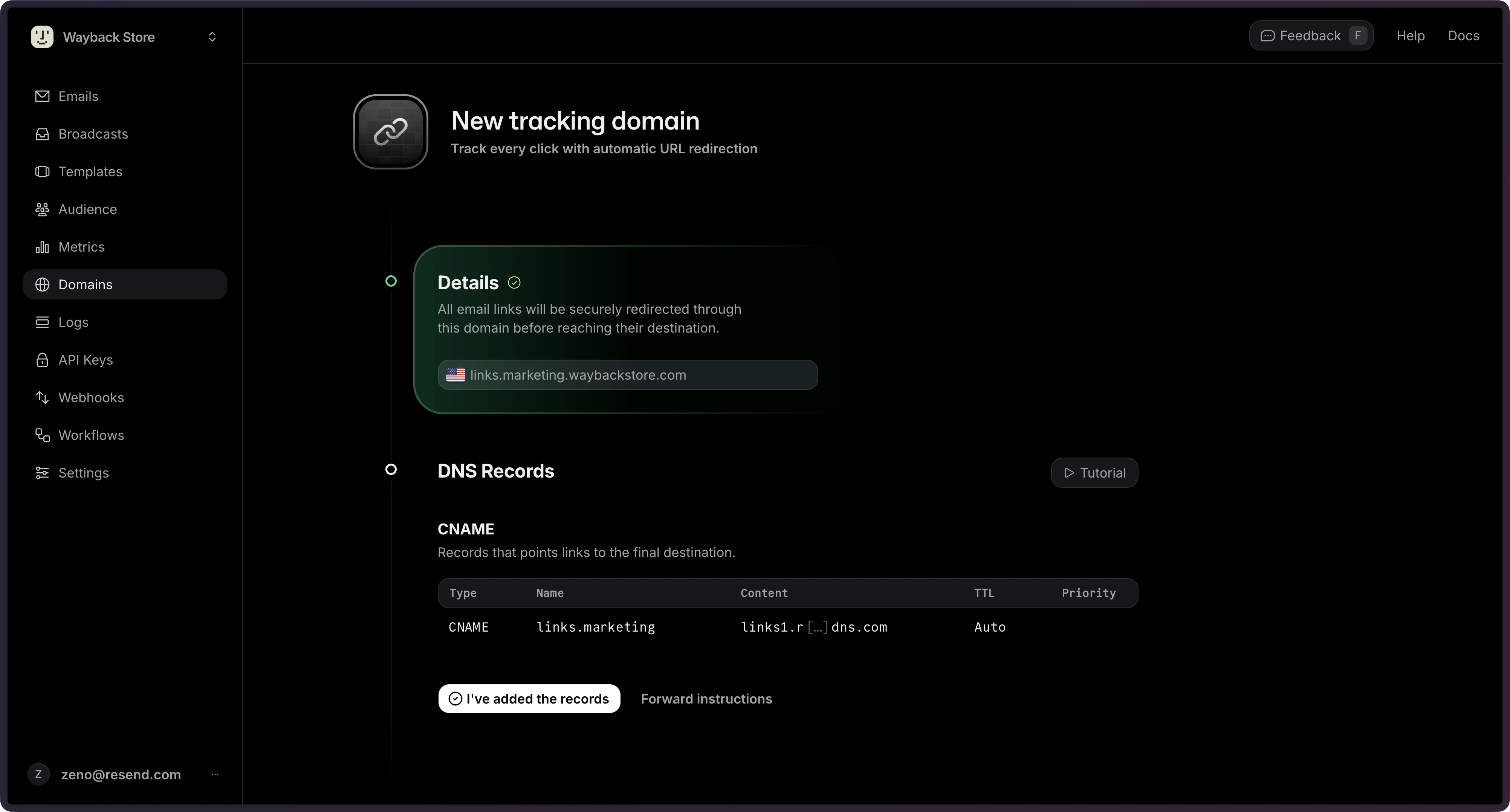
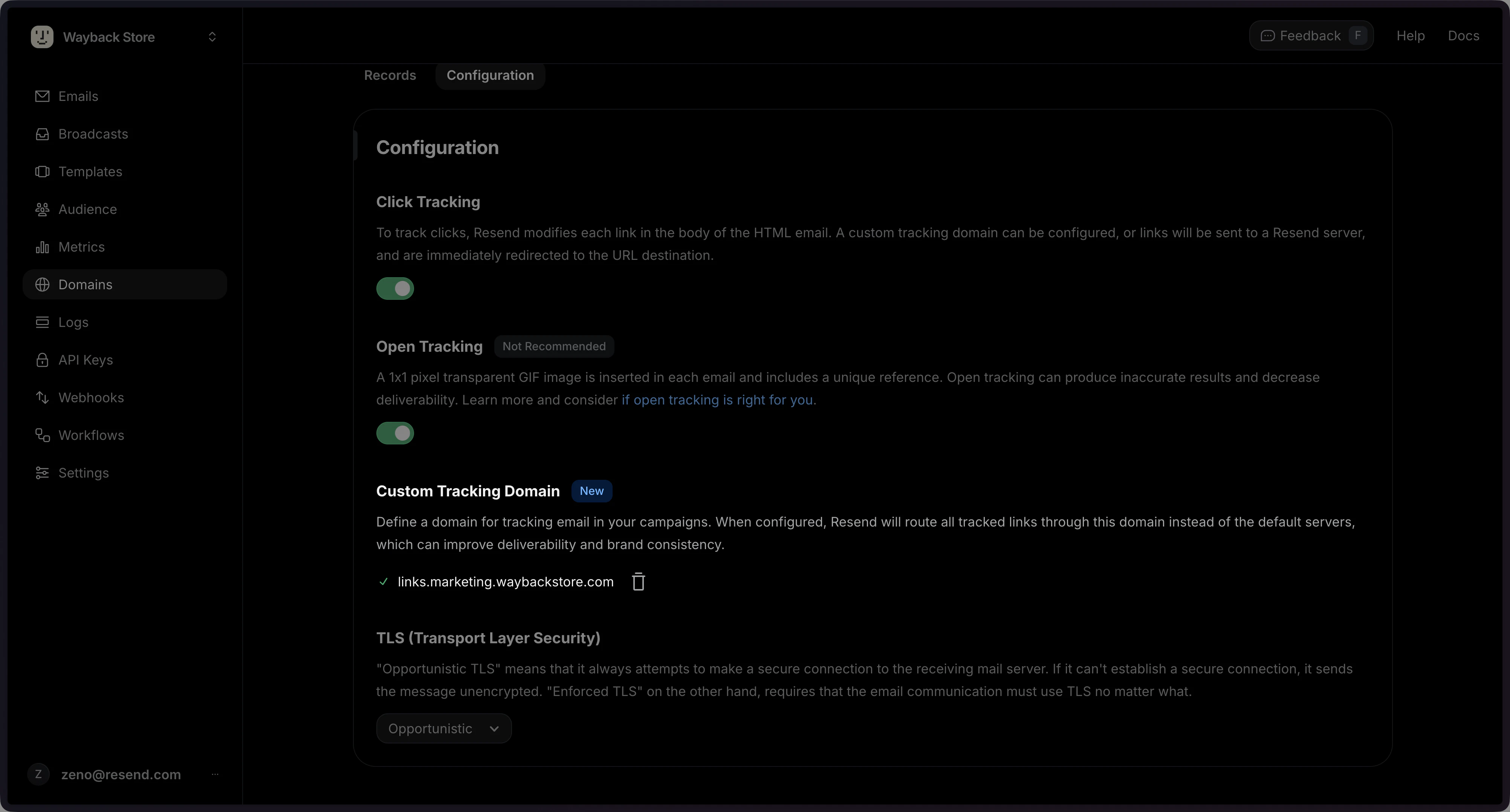
You can configure a custom domain for all click and open urls in your emails. When configured, Resend modifies each link in the body of the HTML to pass through Resend servers using this domain. A tracking domain will always share the same root domain as your sending domain. This improves deliverability and brand consistency. Similar to verifying your sending domain, you will need to add a CNAME record to your DNS settings to verify your tracking domain. Once verified, all tracked links in your emails will use your custom tracking domain (e.g.,links.emails.yourdomain.com).
This value can only be changed after it has been specified, never removed. This is to preserve any email links that
may already be sent with the current tracking subdomain.
After changing the tracking subdomain, a new DNS record must be verified, until then, the previous value is used.
Do not remove old tracking DNS records, all previously used records remain active and are included in the response.
Changes are limited to once every 24 hours.
Removing a domain with a configured custom tracking subdomain
will also remove the Resend provisioned proxy, breaking any existing email links that use that subdomain.
To keep links working, set up your own proxy pointing to Resend’s tracking DNS records before removing the domain.
Here’s how to configure click_tracking with a custom tracking domain:
- Using the dashboard
- Using the API
Look for the Custom Tracking Domain section, and click on Configure.